When the app says you're late
The app compares the time with the plan each time you come back to it. If you're behind, every stop after the next one moves later by the same amount.
Read the banner. It names the stop and how late it may be. The stop also shows its late ETA in orange.
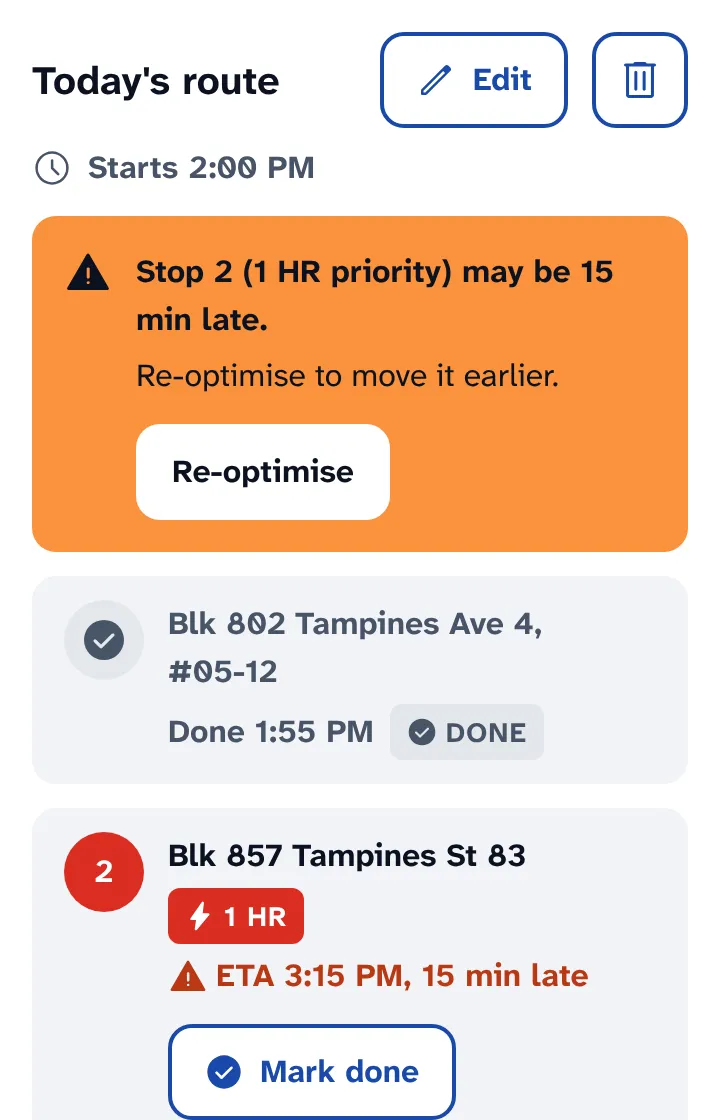
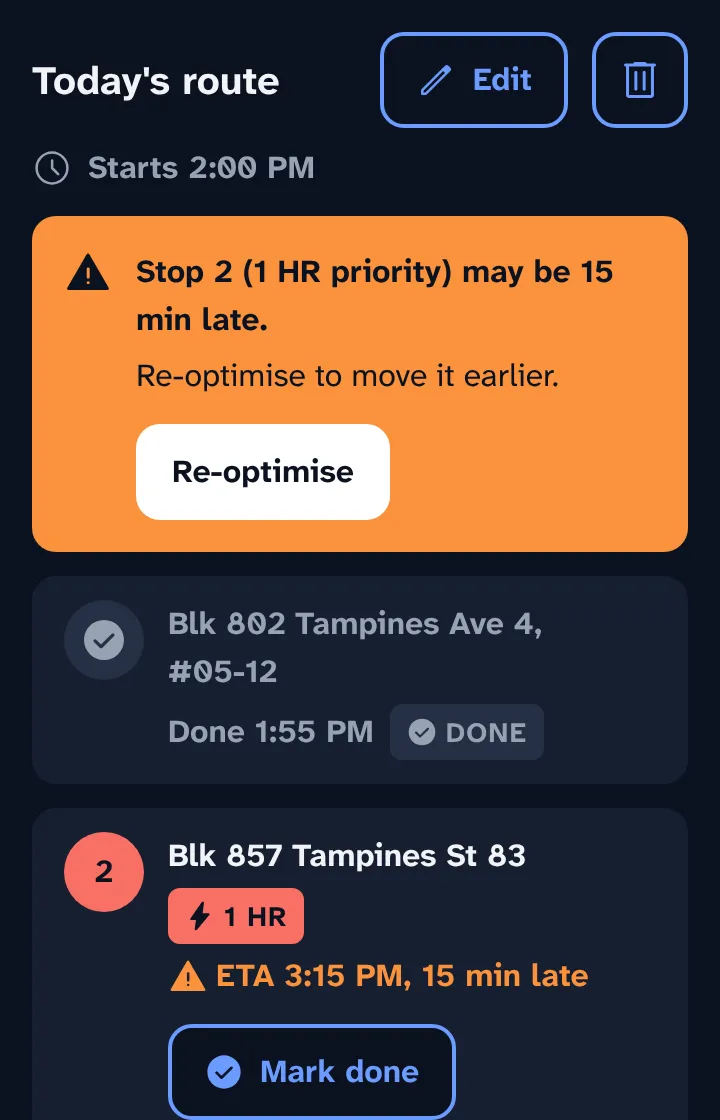
Tap Re-optimise. The app plans again from the current time and may move a priority stop earlier.
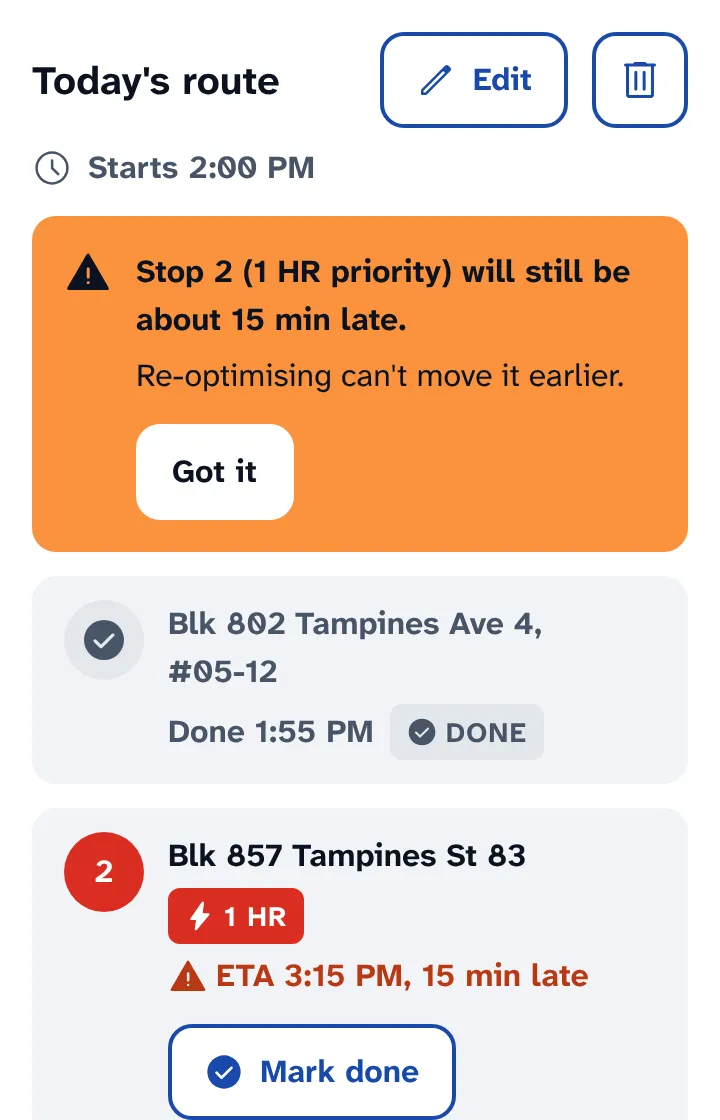
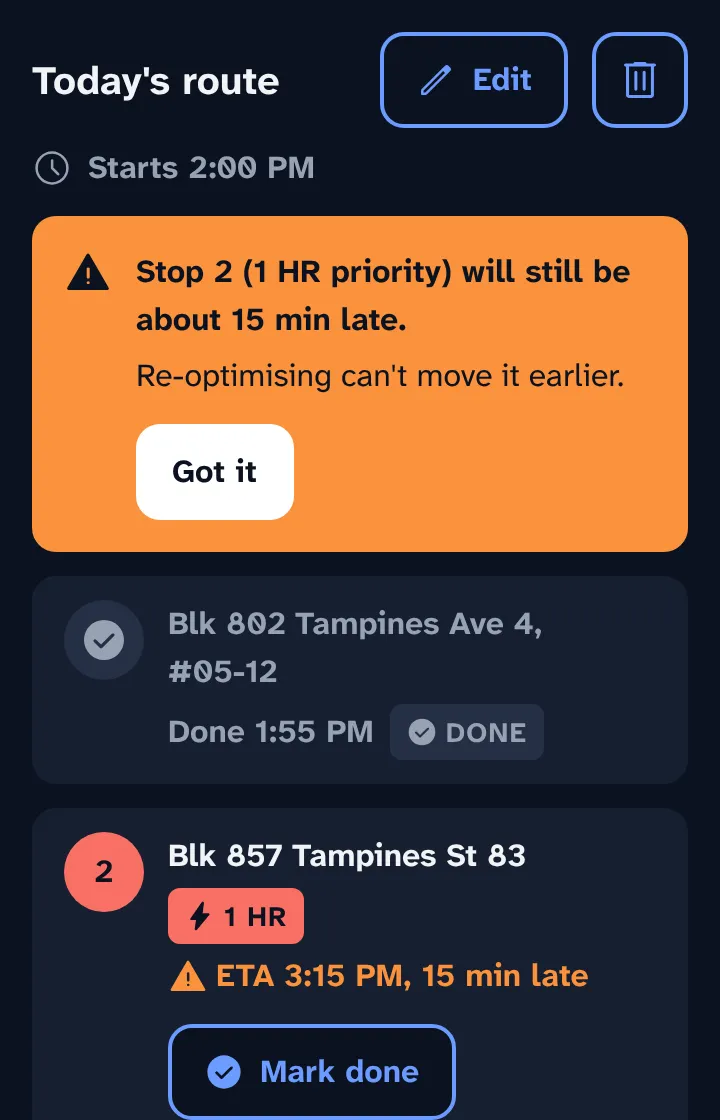
If it still can't fit, the banner says how late the stop will be. Tap Got it to close it, and consider calling the customer.
ETAs don't include live traffic, so treat them as a guide.