Priority stops and windows
Every stop starts with the standard window. Switch a stop to priority when the customer needs it sooner.
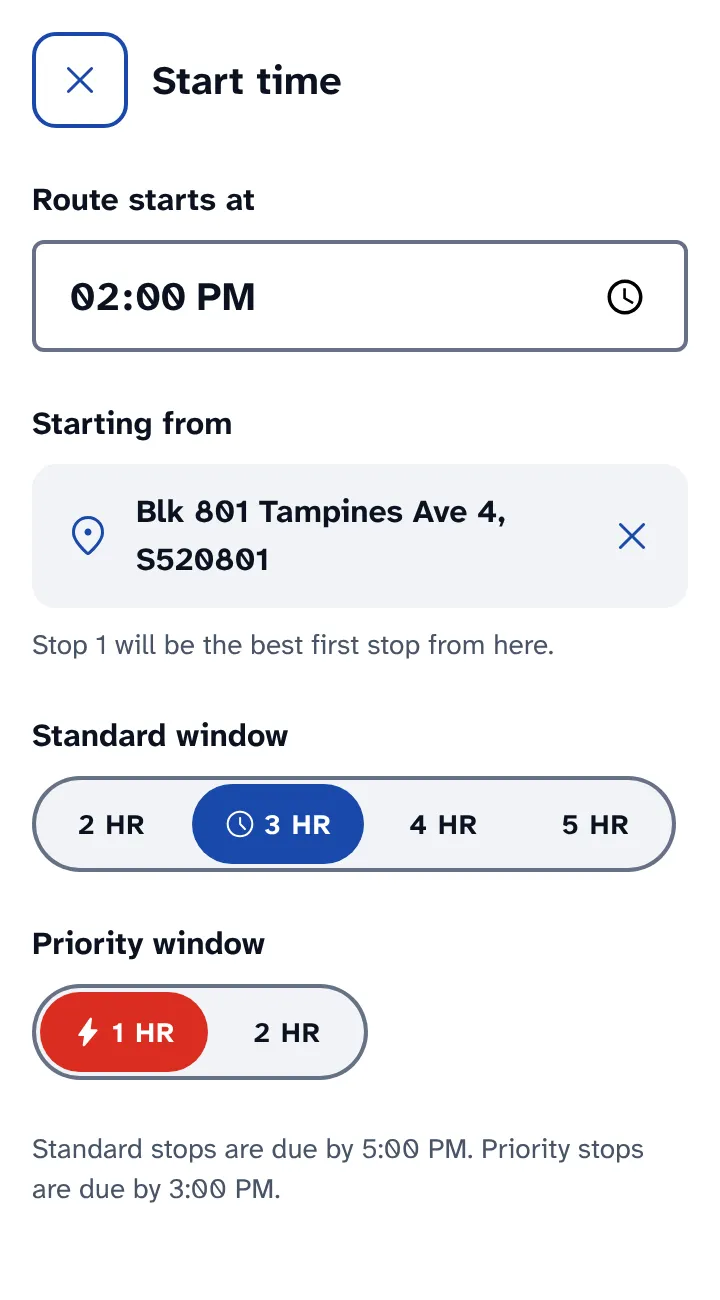
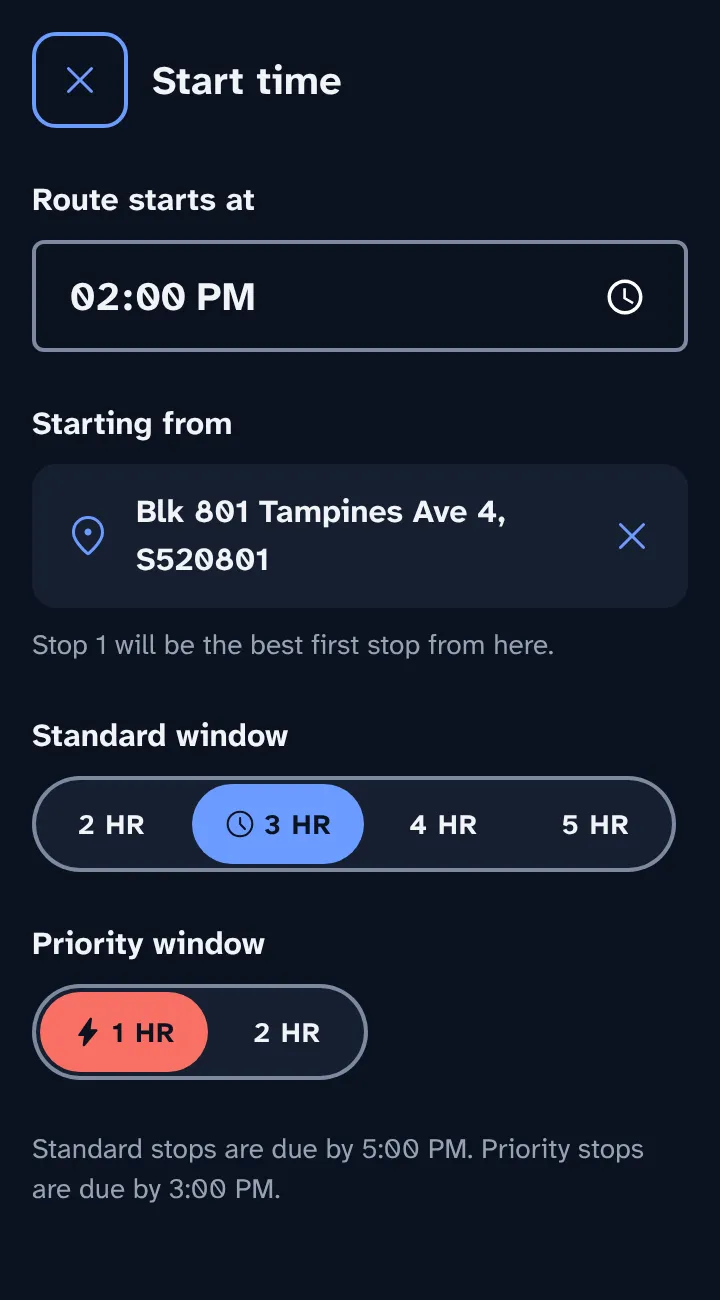
On Start time, pick the standard and priority window lengths. The helper line shows when each is due.
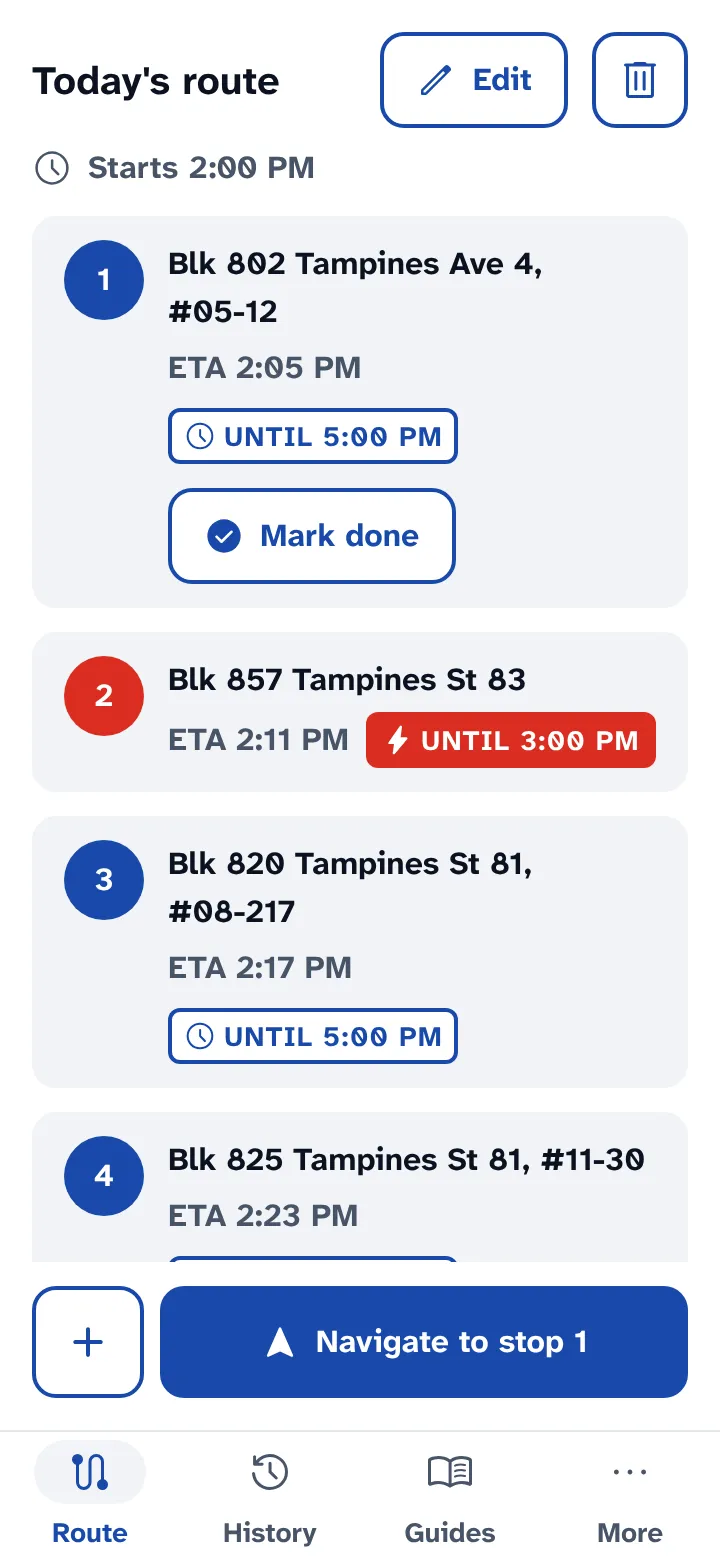
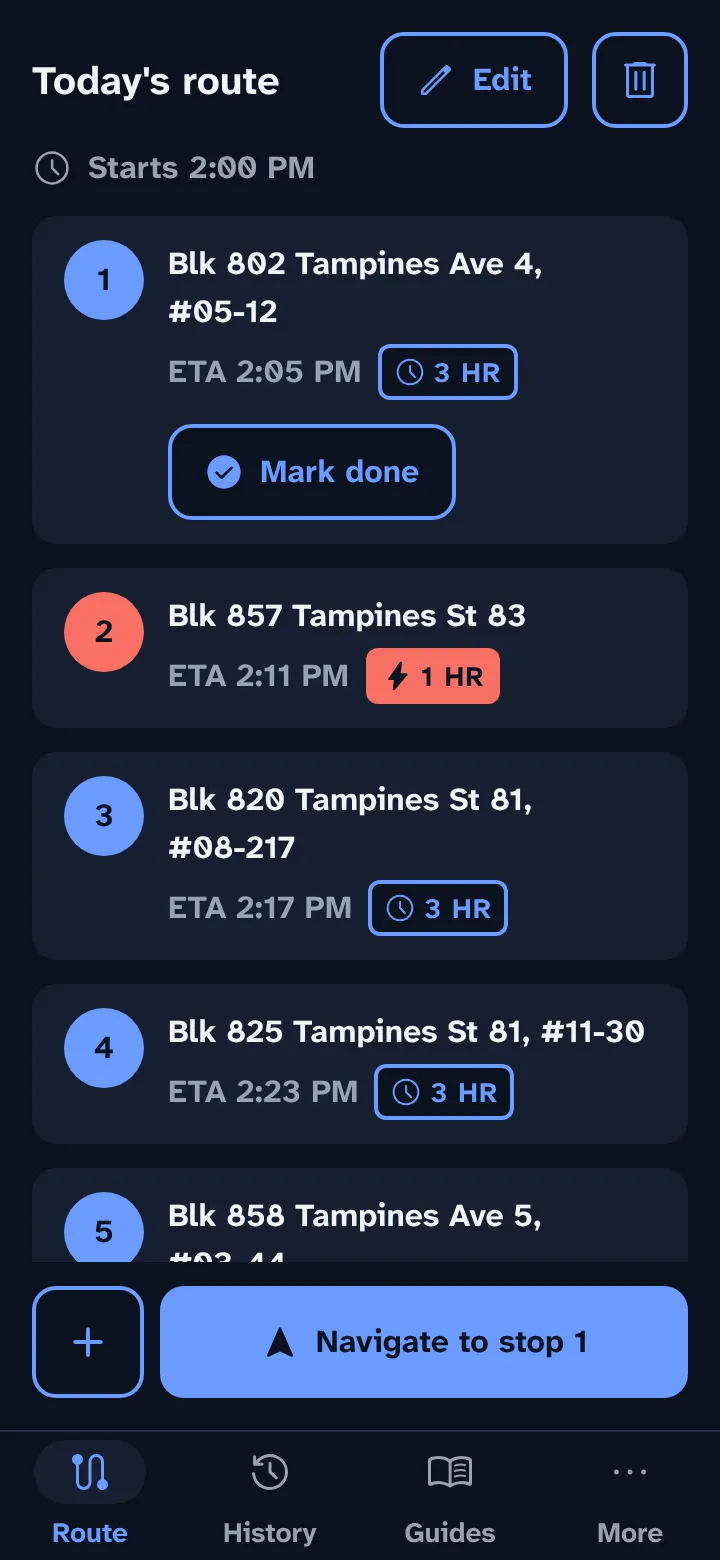
On the list, tap the bolt option on any stop that needs the priority window.
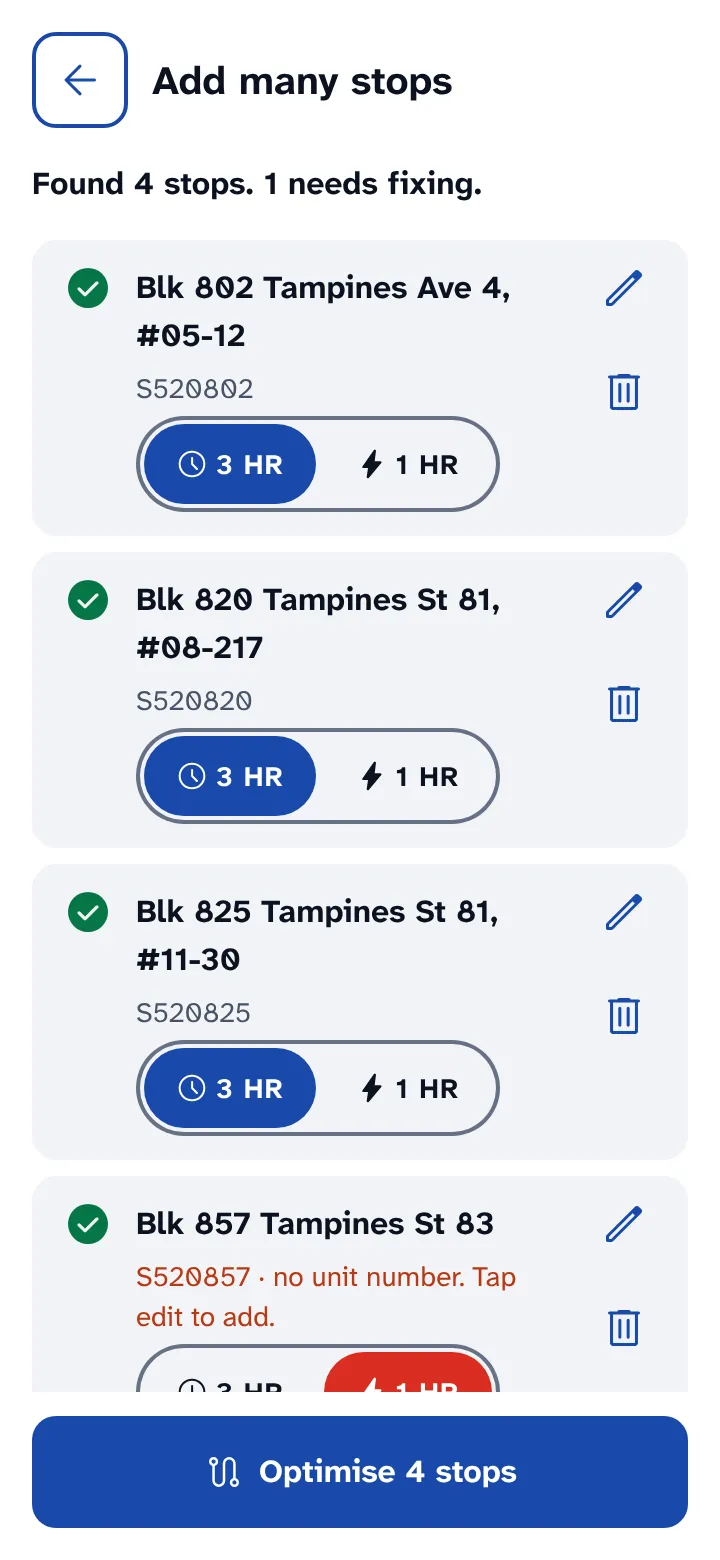
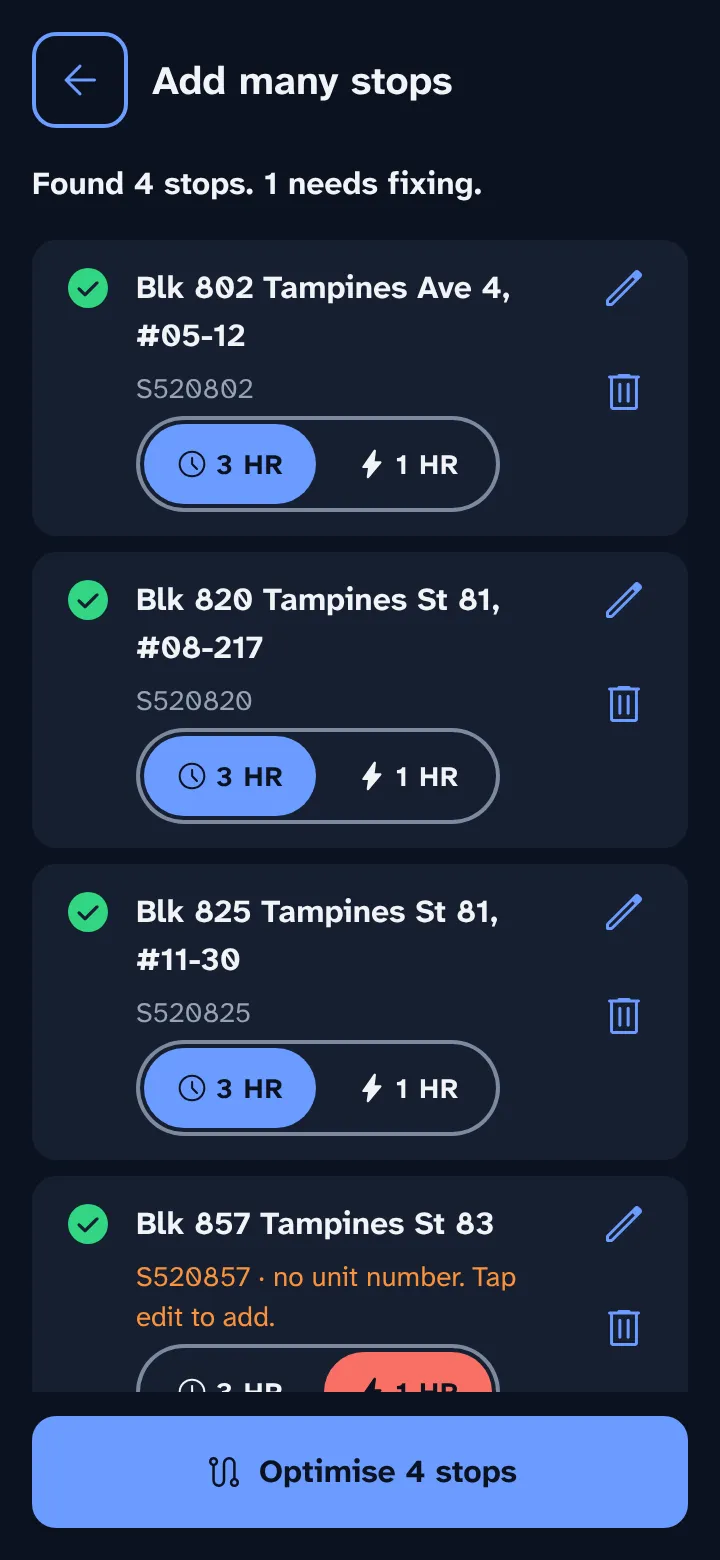
Tap Optimise. Priority stops move early enough to arrive inside their window.
How windows count
Both windows start at your route's start time. With a 3 HR standard window and a 1 HR priority window starting at 2:00 PM, standard stops are due by 5:00 PM and priority stops by 3:00 PM.
Change them later
Tap Edit on the route screen to change the start time, the window lengths, or any stop. Then tap Optimise again.