Paste stops from WhatsApp
You don't need to type each address.
In WhatsApp, long-press the message and tap Copy.
In the app, tap Add stops, then Paste a list instead. Paste the message into the box and tap Find stops.
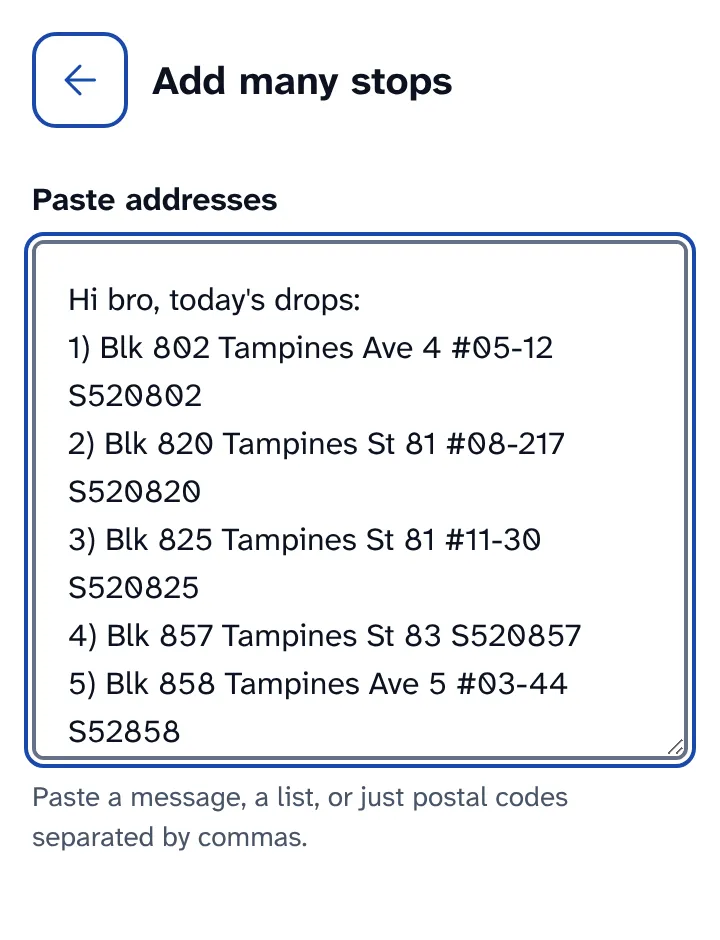
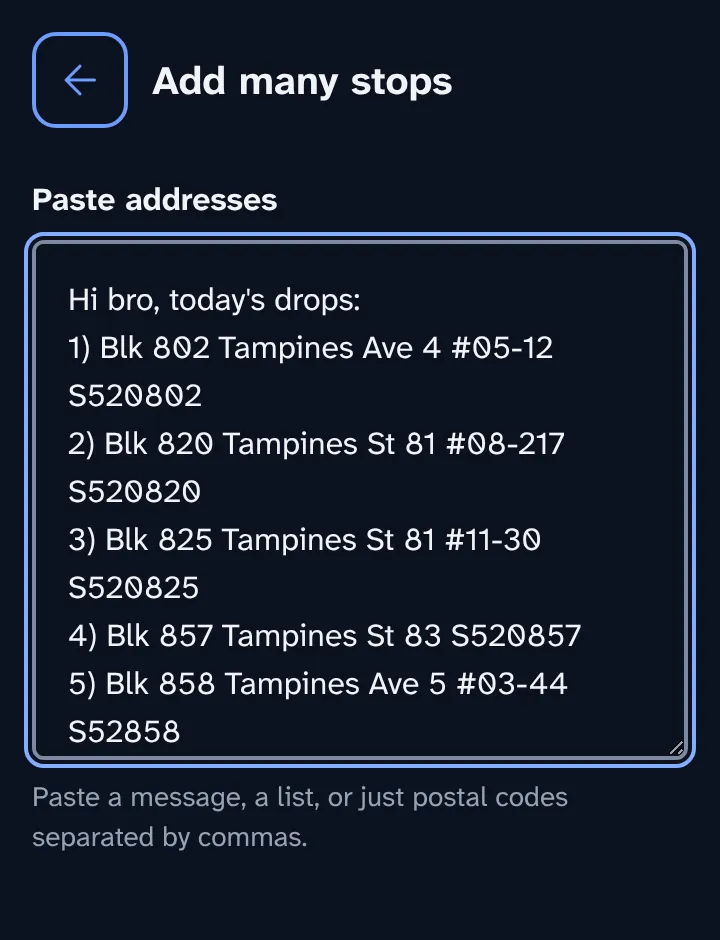
Check the list. Each address the app found has a green tick. Switch any stop to priority here.
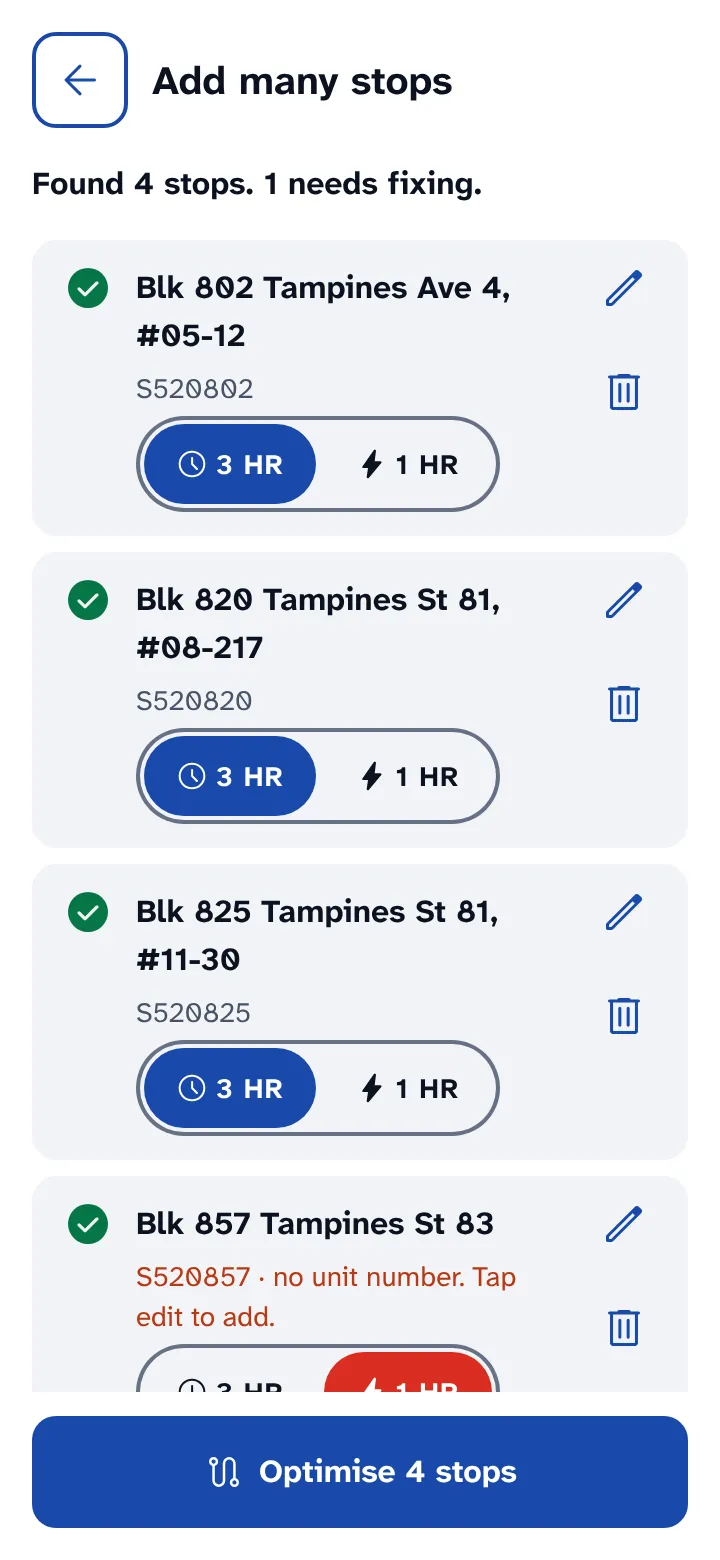
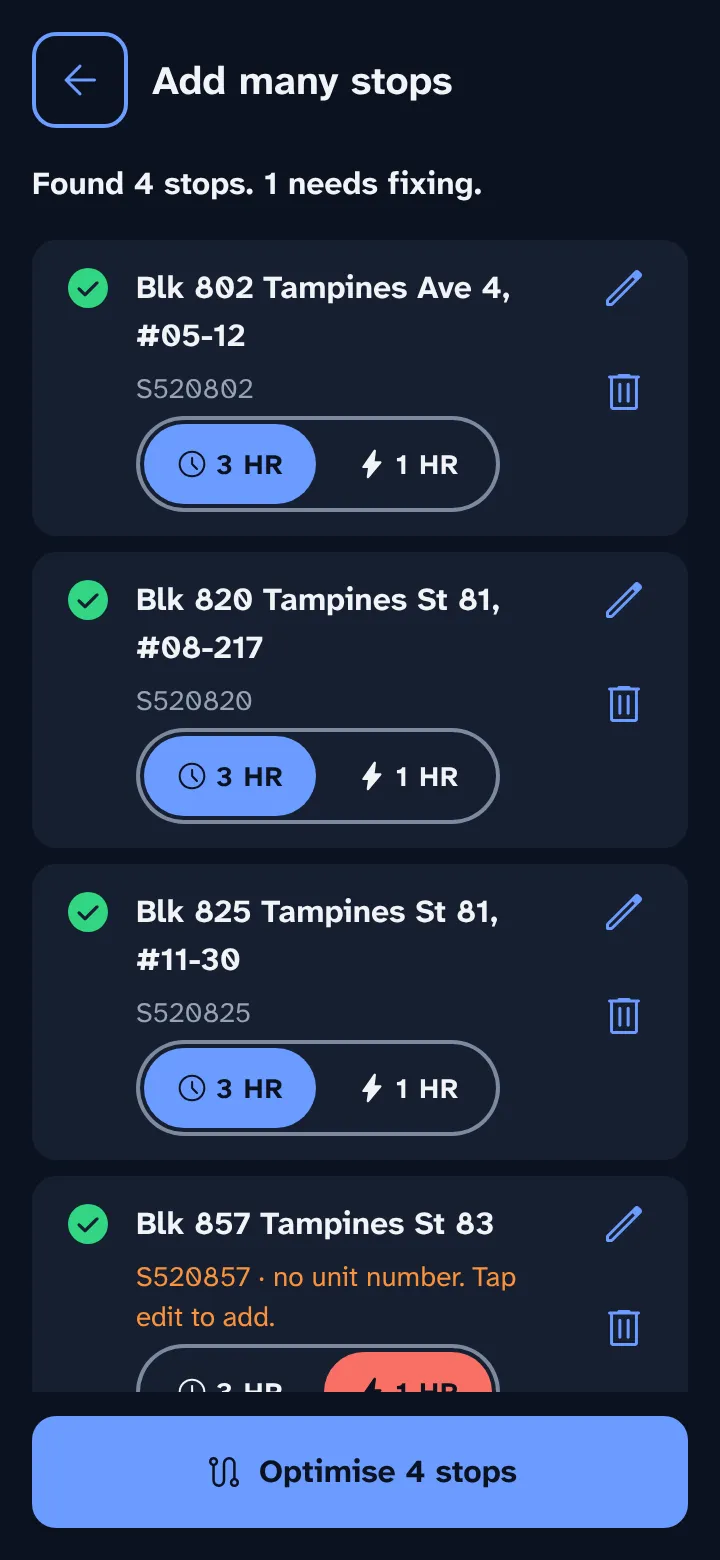
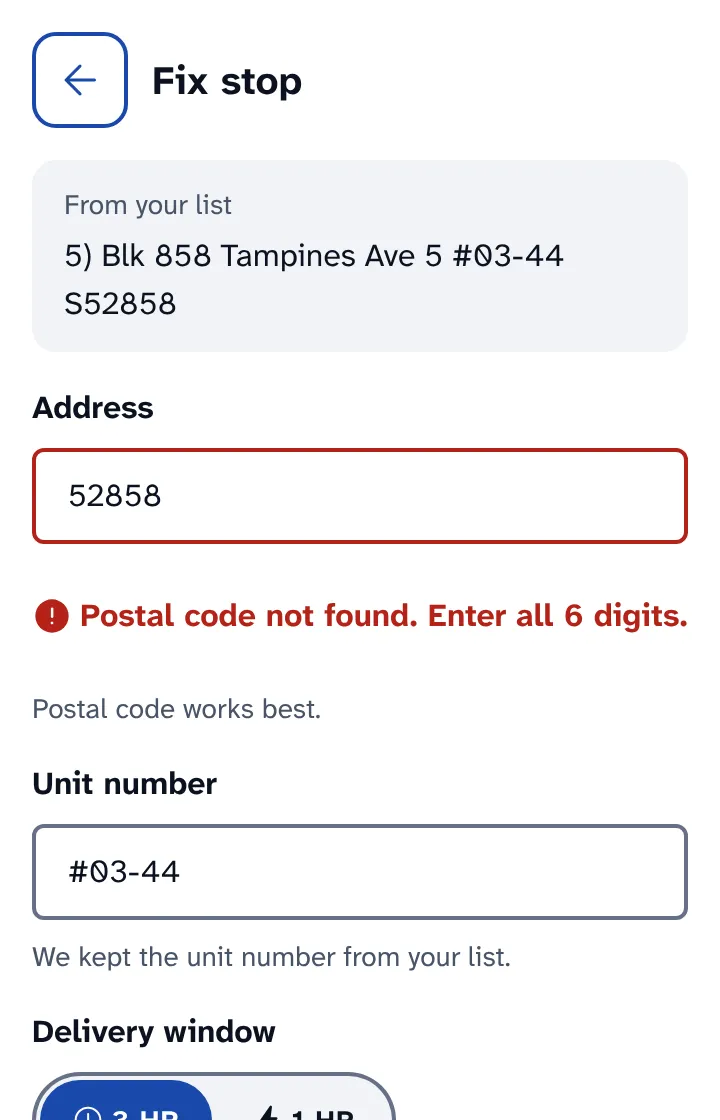
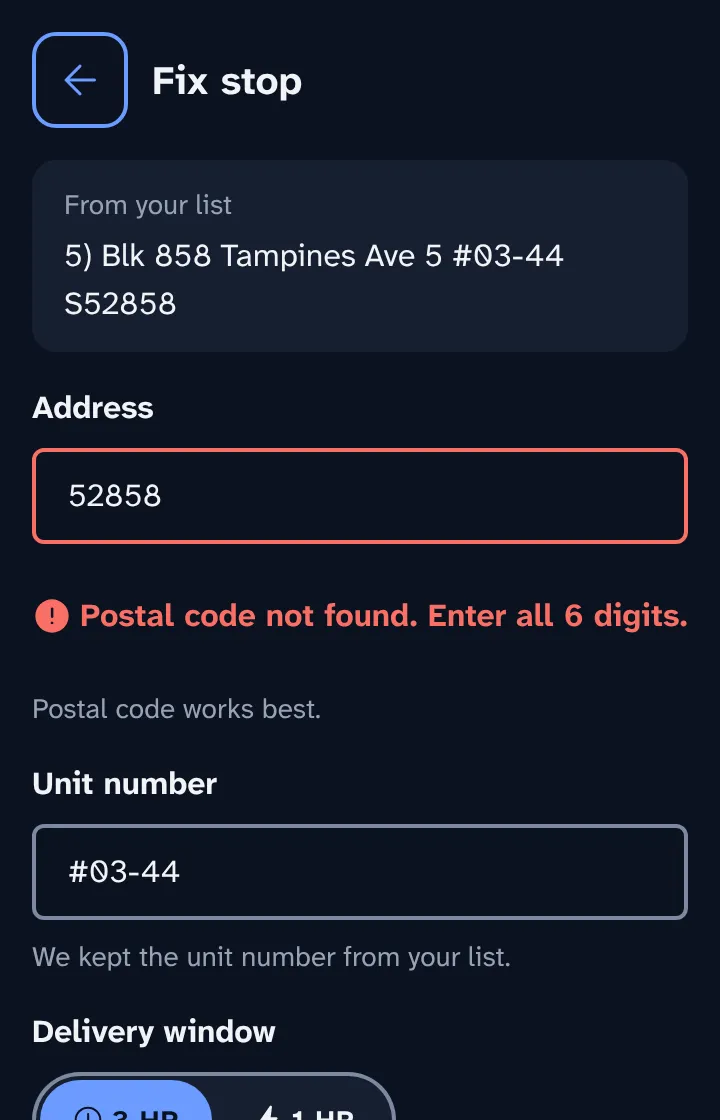
Tap Fix on any stop marked Postal code not found. Enter the full 6 digits from the parcel label and tap Save stop.
What the app reads
- Every 6-digit number counts as a postal code.
- Unit numbers like #08-217 stay with their address.
- Numbered lists, commas and new lines all work.
- Greetings and notes are ignored.
Stops you don't fix stay out of the route, so they never hold up the rest.