How it works

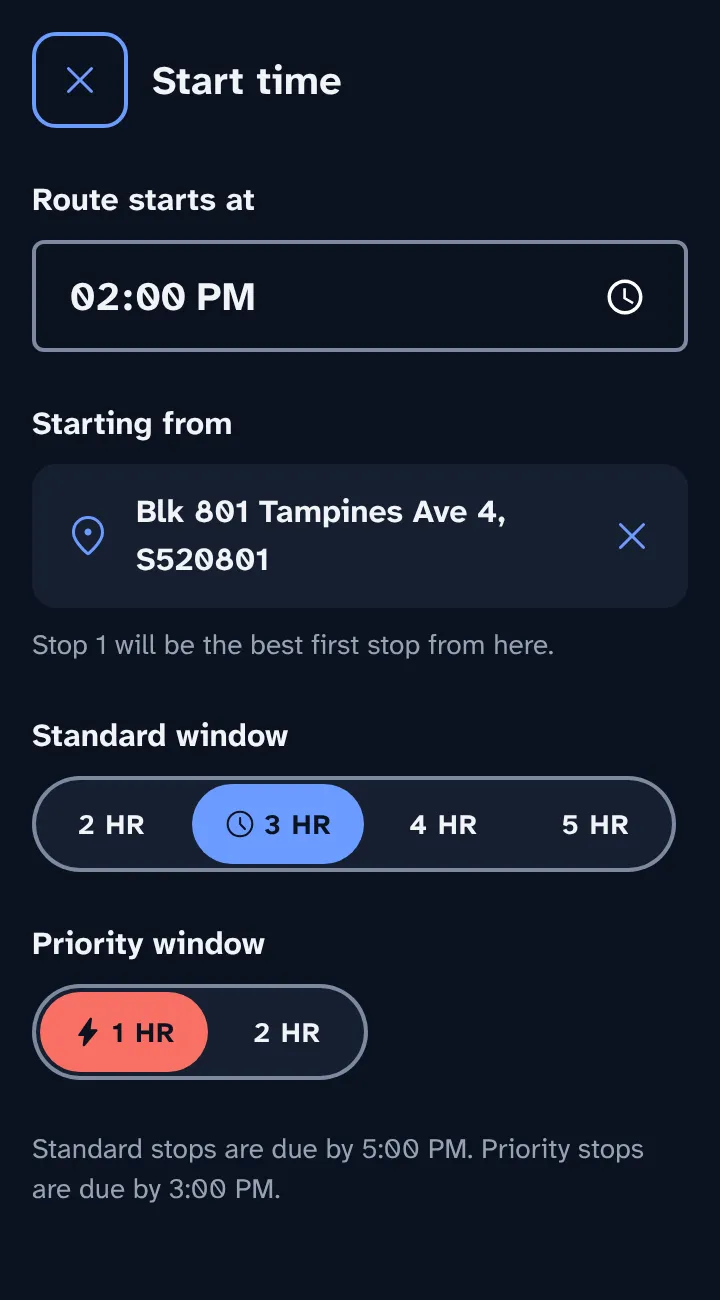
  1. Set your start time. Pick how long standard and priority windows last, and where you start from.
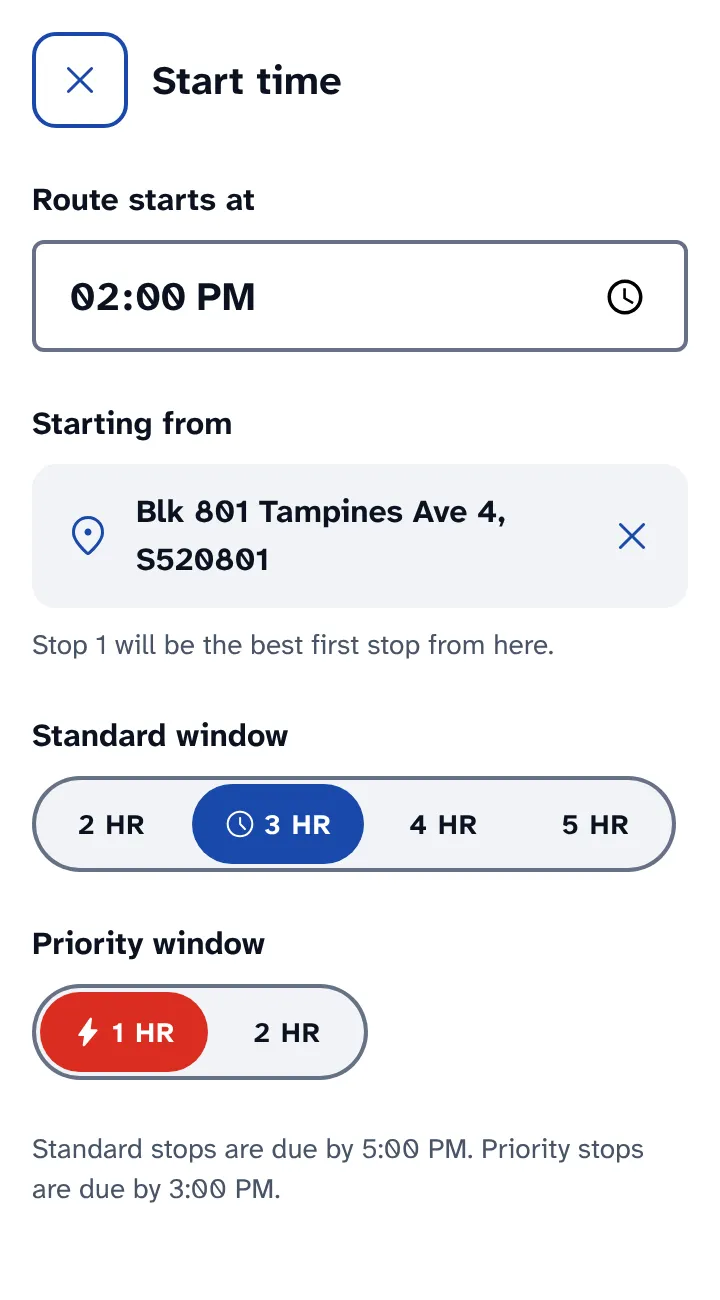
    Start time screen: route starts at 2:00 PM from Blk 801 Tampines Ave 4, 3 HR standard and 1 HR priority windows.Start time screen: route starts at 2:00 PM from Blk 801 Tampines Ave 4, 3 HR standard and 1 HR priority windows.
  2. Add your stops. Type a postal code, or paste a whole WhatsApp message and the app pulls out every postal code.
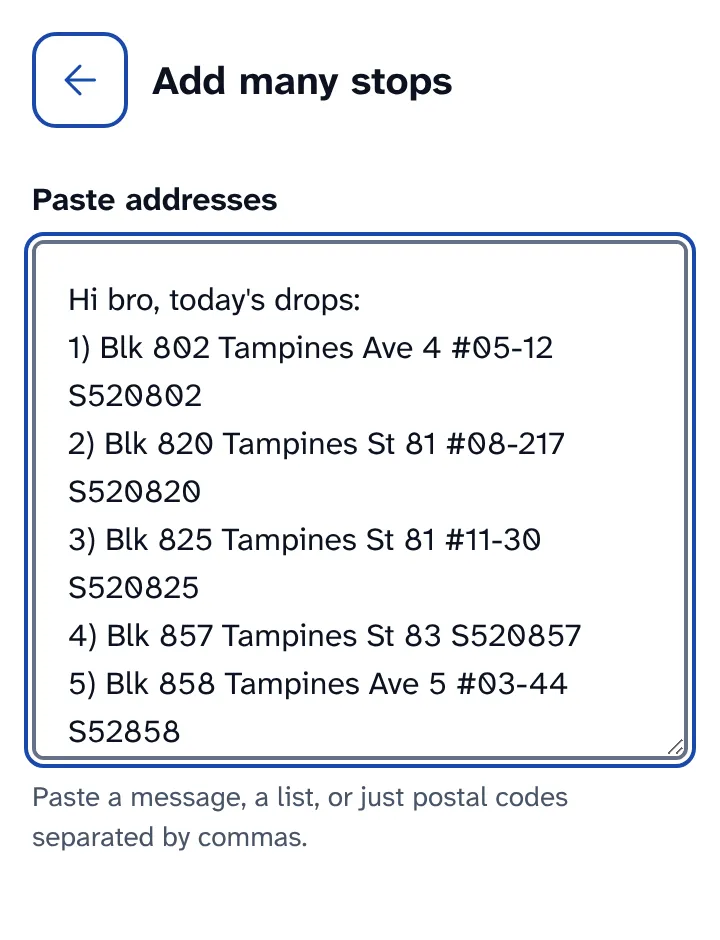
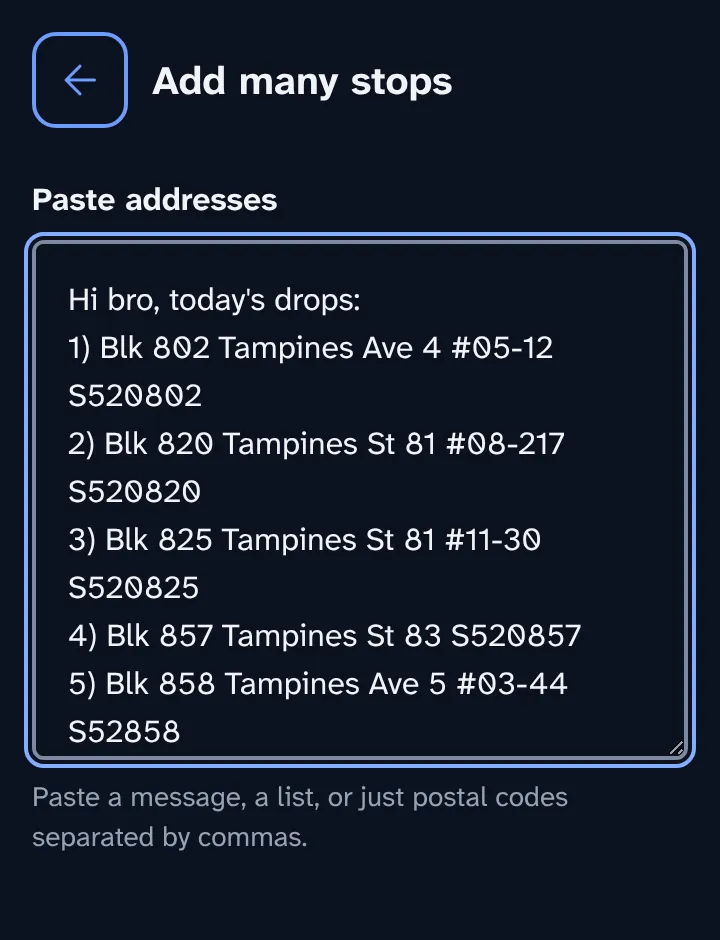
    Add many stops screen with a WhatsApp message of five numbered addresses pasted in.Add many stops screen with a WhatsApp message of five numbered addresses pasted in.
  3. Check the list. Fix any postal code the app couldn't find, and switch stops that must arrive first to priority.
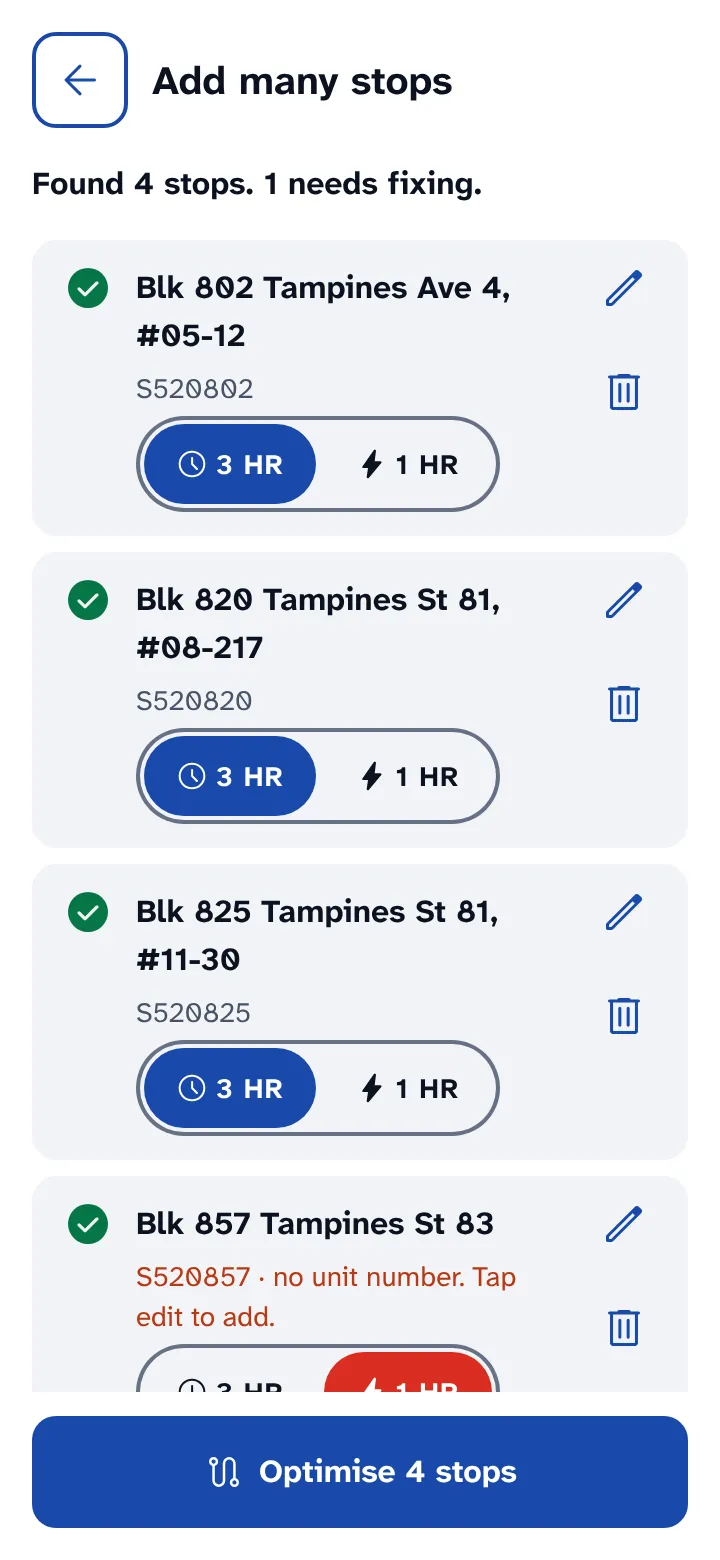
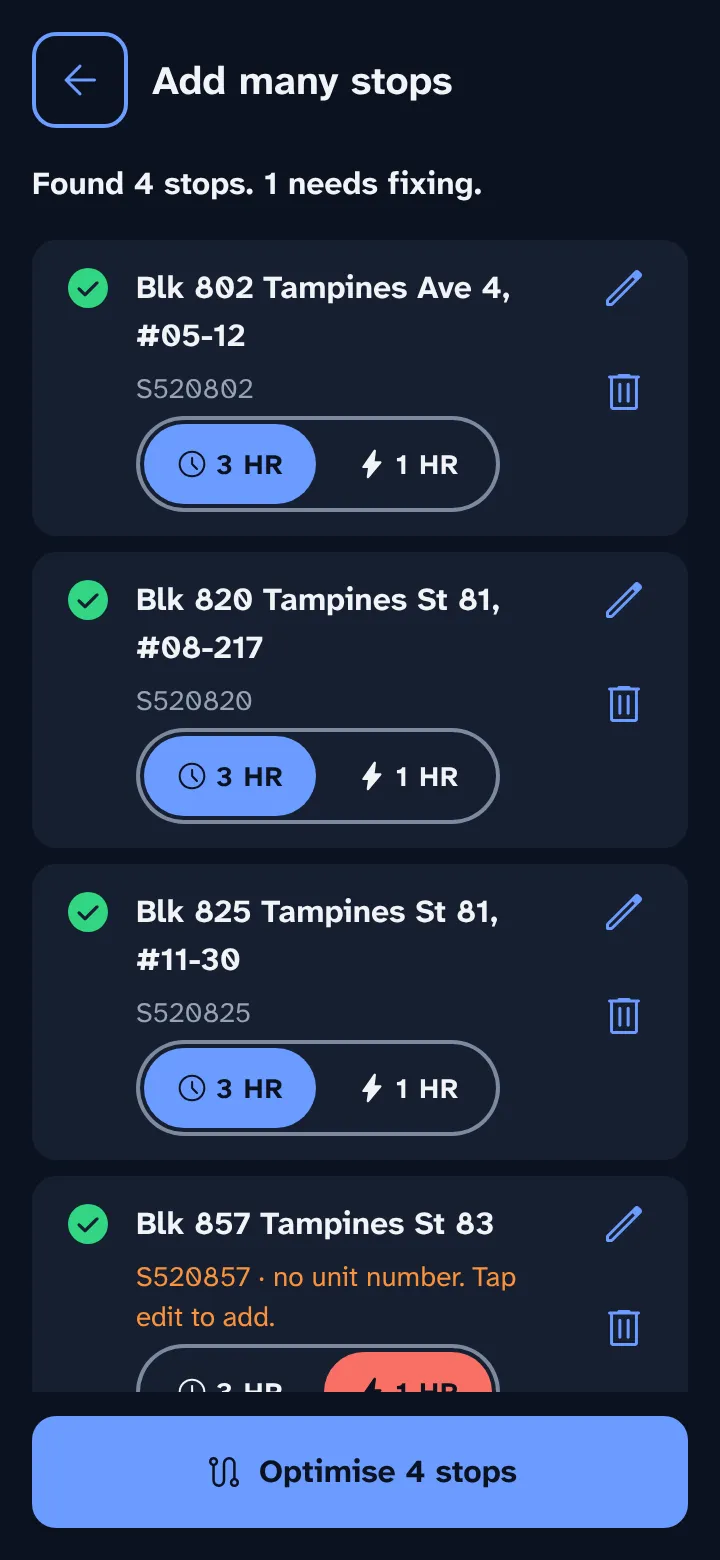
    Review list: four stops found, each with a 3 HR and 1 HR switch, and one postal code that needs fixing.Review list: four stops found, each with a 3 HR and 1 HR switch, and one postal code that needs fixing.
  4. Tap Optimise. The app puts your stops in the best order, keeps priority stops inside their window, and shows an ETA for each.
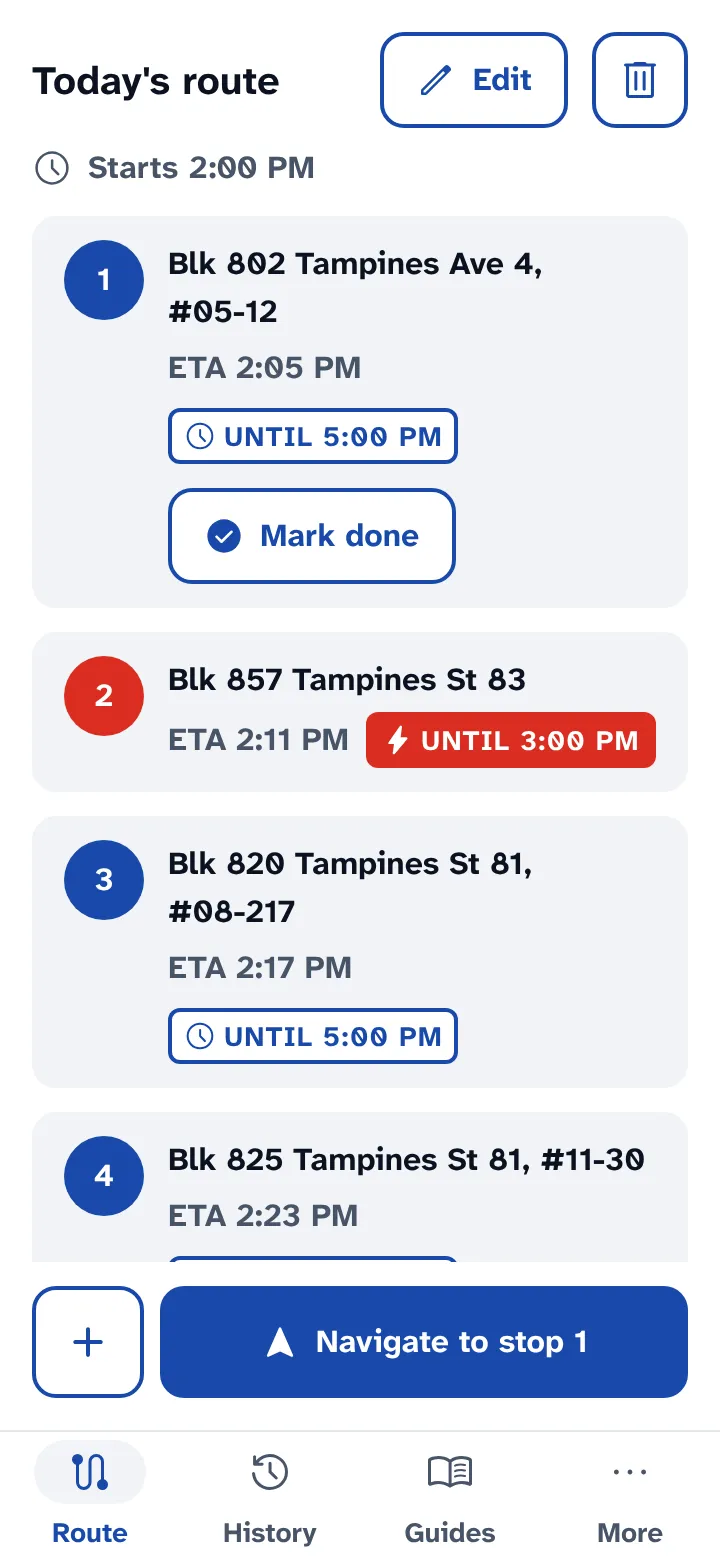
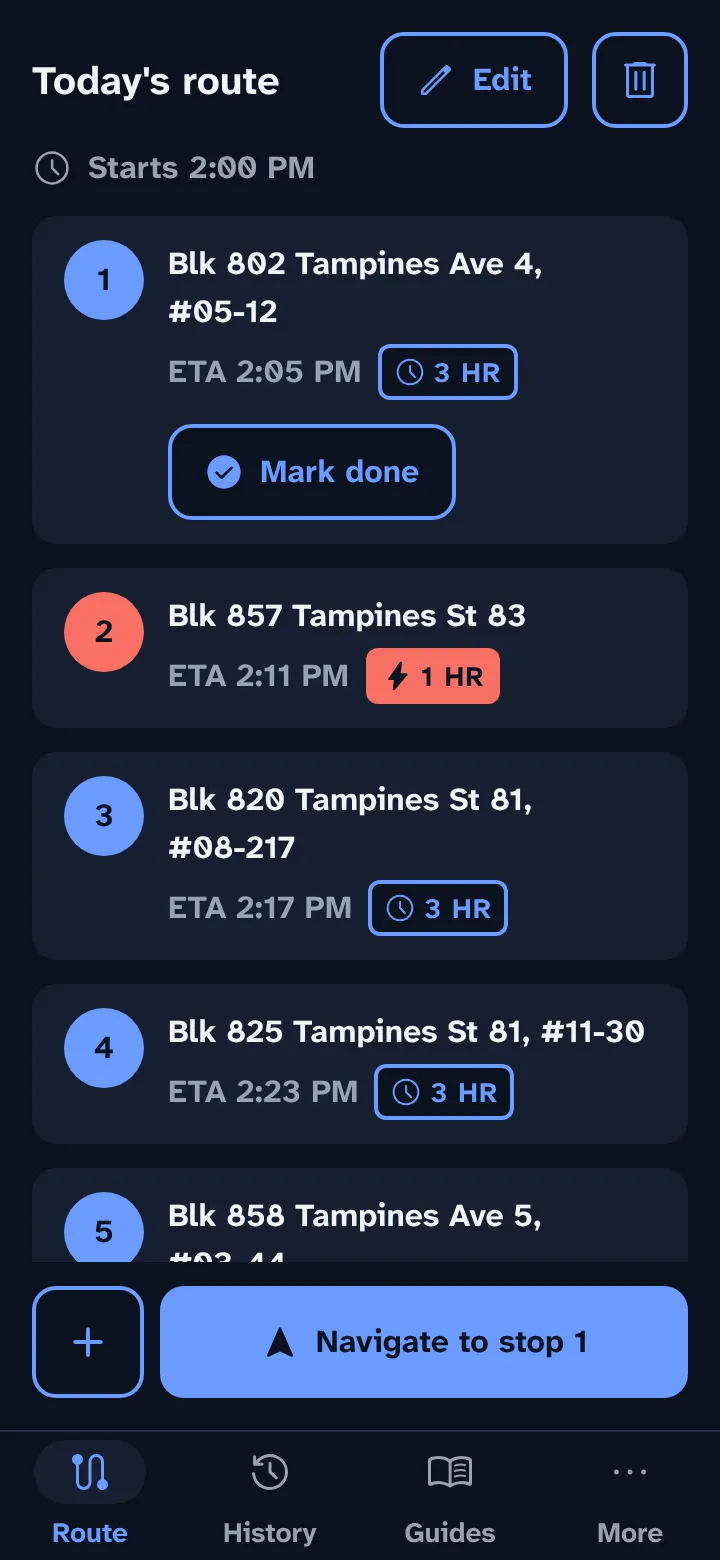
    Today's route: five stops in order, each with an ETA and window badge, and Navigate to stop 1 at the bottom.Today's route: five stops in order, each with an ETA and window badge, and Navigate to stop 1 at the bottom.
  5. Tap Navigate. Google Maps opens with directions to the next stop. Come back and tap Mark done when you deliver.
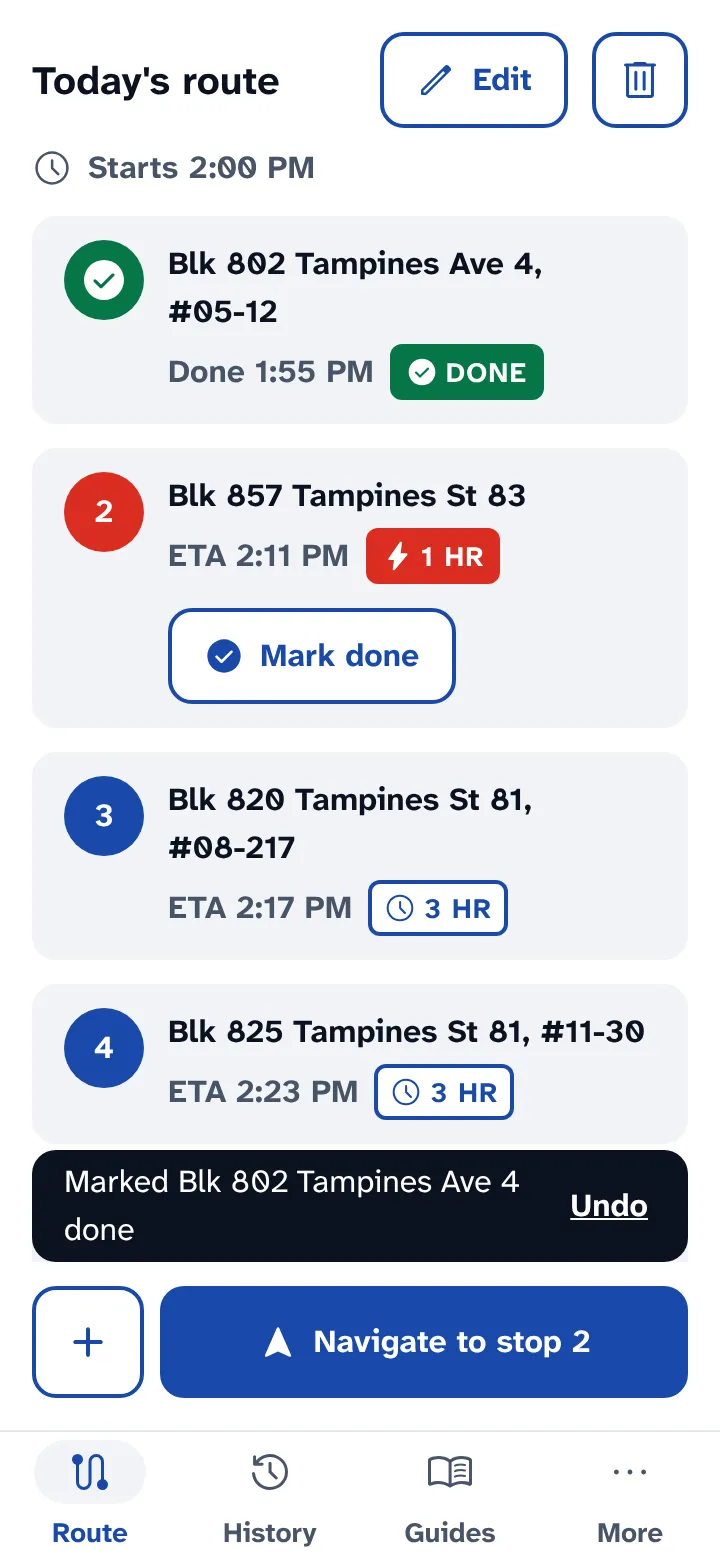
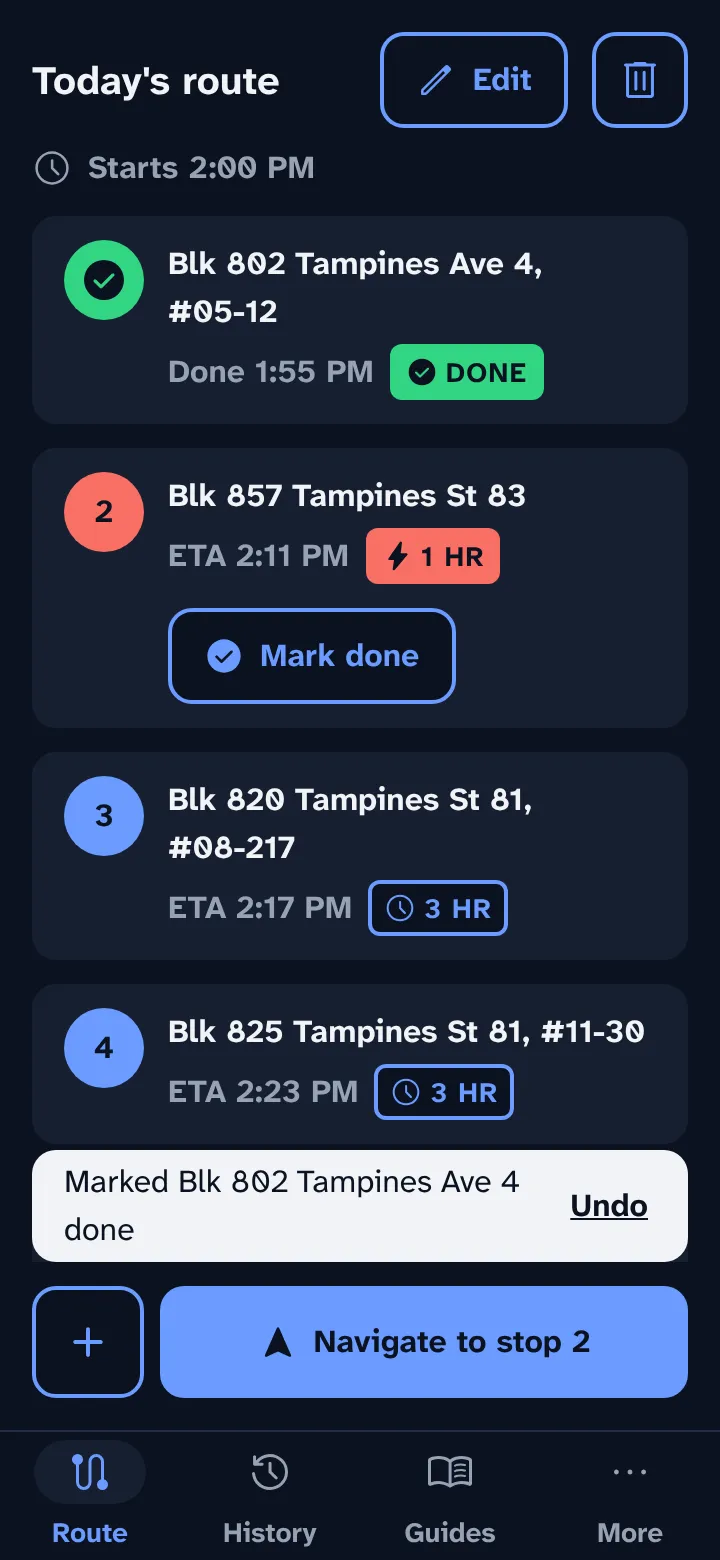
    Stop 1 marked done, with a toast that offers Undo.Stop 1 marked done, with a toast that offers Undo.

If you fall behind

When you open the app again, it checks the time. If a stop will miss its window, an orange banner tells you which one. Tap Re-optimise to change the order from where you are now.
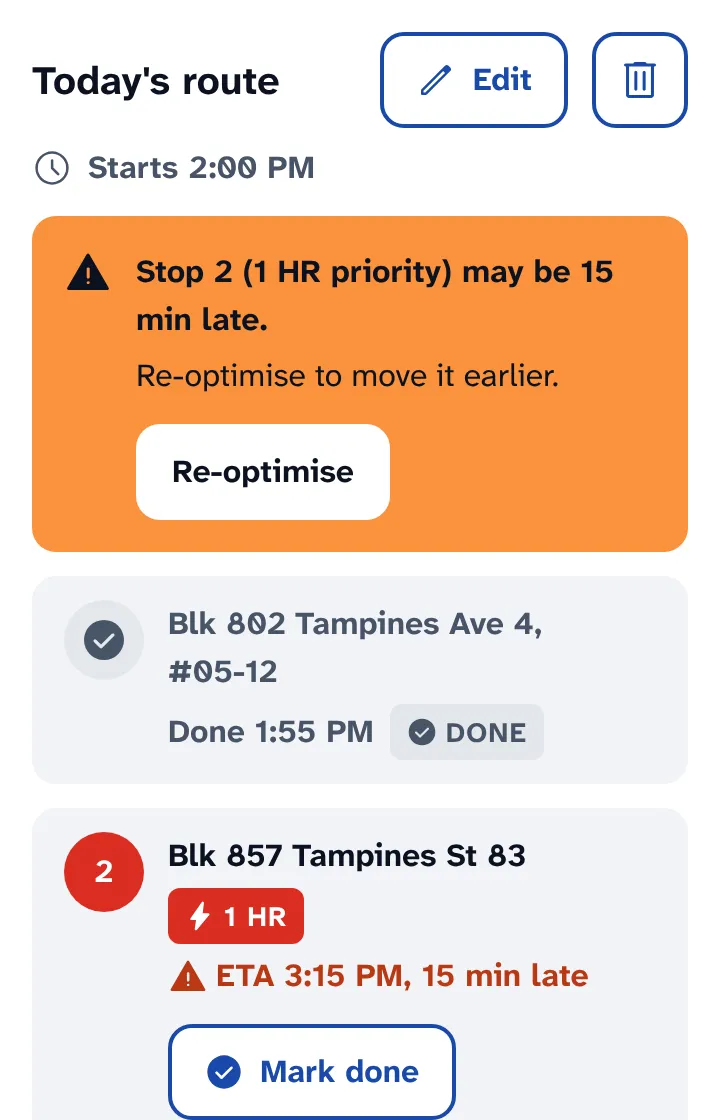
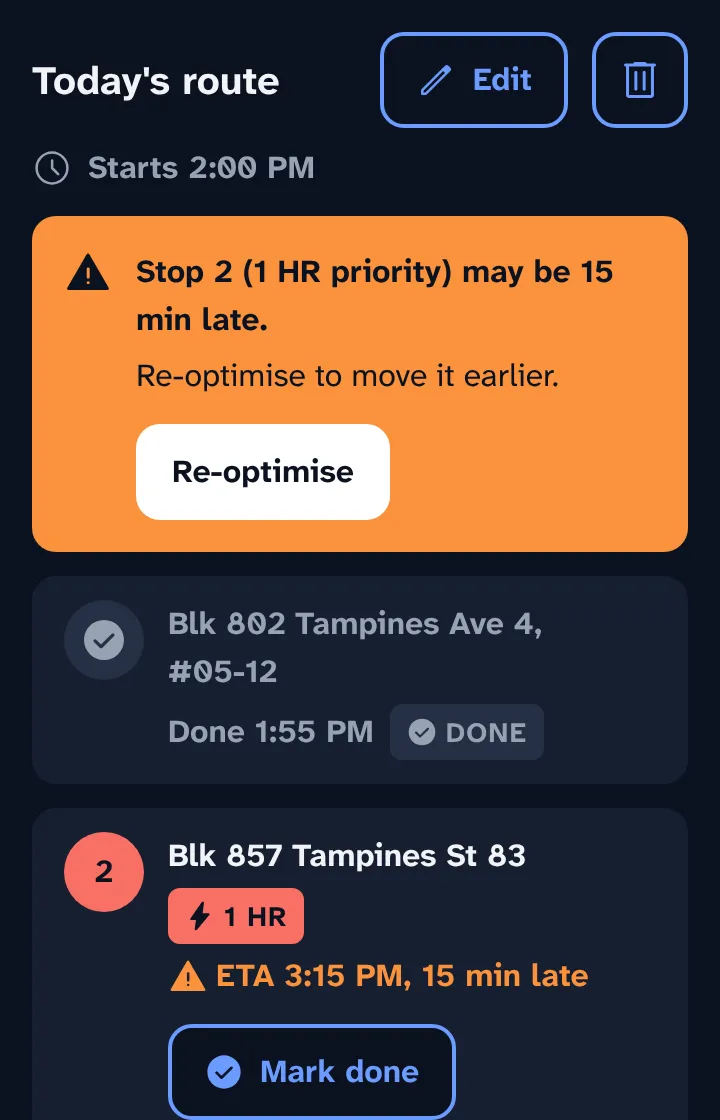
Orange banner: Stop 2 (1 HR priority) may be 15 min late, with a Re-optimise button.Orange banner: Stop 2 (1 HR priority) may be 15 min late, with a Re-optimise button.

Your data stays on your phone

Your stops and history live on this phone only. There are no accounts. Clearing your browser data removes them.